Who this is for: Operators and project owners preparing a workflow for implementation.
Business process automation uses software to carry out repeatable steps in a business process. It can include native application rules, API integrations, document extraction, or software that operates a user interface. These approaches can coexist.
A successful run only proves the software executed. It doesn't prove the right customer was updated or the correct amount was approved. Define business correctness before selecting the implementation.
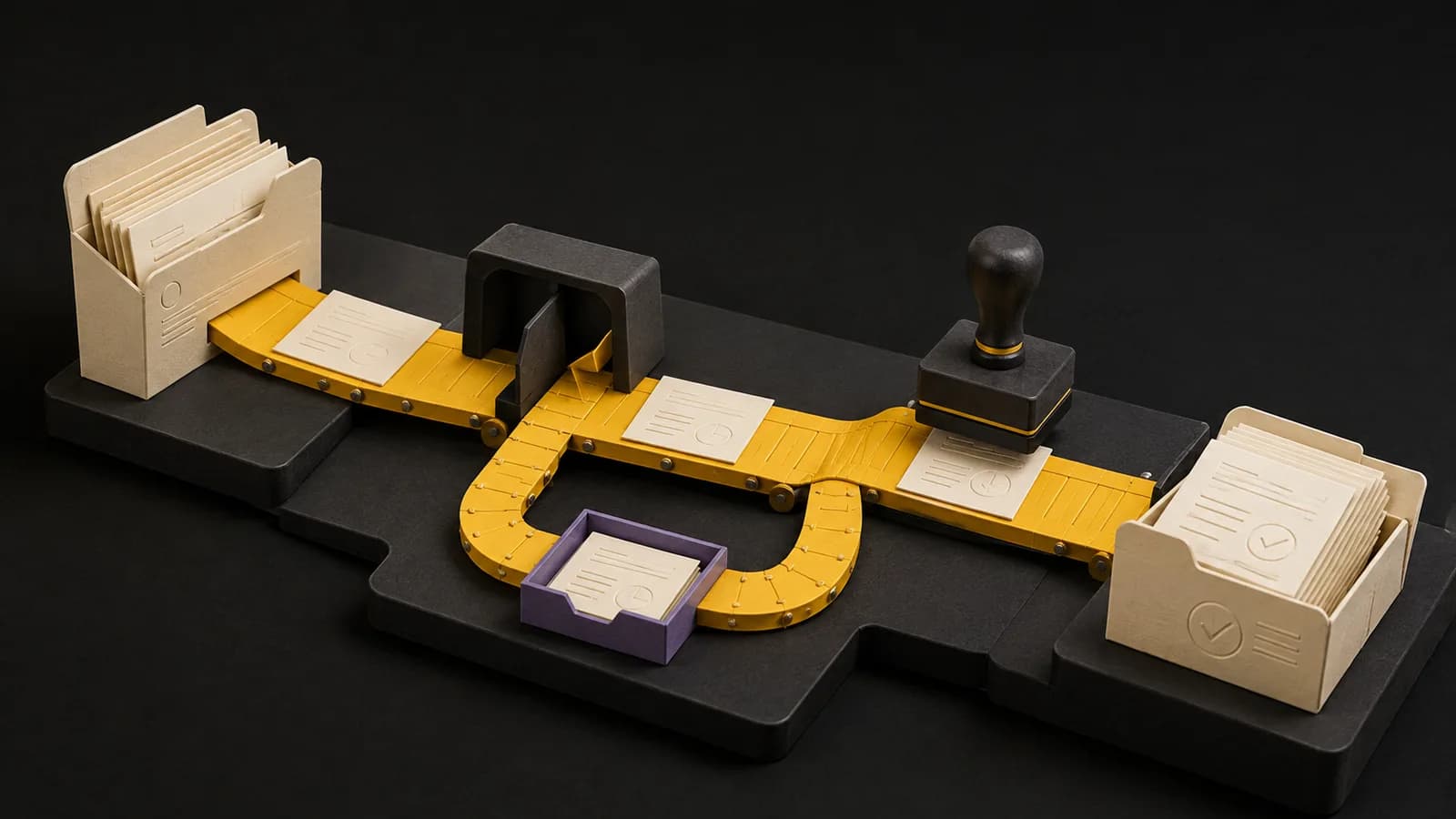
Map one process from trigger to accepted result
Take a simple example: a salesperson marks a deal ready for delivery. The project should only be created after required commercial details and the customer identifier are present. A missing start date belongs in an exception queue, not in a guessed project.
Give every stage an owner and a visible outcome. A notification is not completion; a project that can be reconciled to its originating deal is.
- Step 1
Receive
Capture the deal identifier and event identifier.
- Step 2
Validate
Check approval, customer match, dates, and scope.
- Step 3
Create or match
Look for the existing project before making another.
- Step 4
Reconcile
Save the project ID to the originating deal.
- Step 5
Resolve exceptions
Send missing or conflicting information to the delivery owner.
Write the decisions a builder cannot guess
Specify field ownership, blank-value behavior, duplicates, permission failures, and the effect of an edit after approval. State what is outside this release. Otherwise a small task creator can quietly turn into a billing and resourcing system.
Write acceptance cases in business language. For example: submitting deal D-104 twice must leave exactly one project, and both attempts must be traceable. Include an owner who can approve that result.
Choose the implementation boundary
A native workflow is a good first option when the relevant records and rules stay in one application. Check actual edition, permissions, volume, and action limits before committing. An integration is useful when state must cross systems.
UI automation can help when a usable API is absent, but screen changes, sessions, and selectors become dependencies. An AI step can interpret ambiguous input; keep the surrounding validation and business rules explicit. Don't add AI to a rule you can already state precisely.
| Approach | Useful when | Check before building |
|---|---|---|
| Native automation | Work stays in one application | Plan access, actions, limits, audit history |
| API integration | Systems must exchange state | Identity, rate limits, retries, permissions |
| UI automation | No suitable integration interface exists | Session handling, layout changes, recovery |
| AI step | Input requires interpretation | Evaluation set, review queue, fallback |
Test the unhappy paths before rollout
Run normal, missing-data, duplicate, unauthorized, and timeout cases using synthetic records. Simulate a destination that completes the write but times out before replying. Blind retrying here can create a duplicate.
Pilot with a small, reversible scope. Compare incoming events with completed outputs and exceptions. Agree a stop condition before launch: for instance, any unexplained duplicate pauses project creation until the cause is understood. The threshold is your operational decision, not a vendor guarantee.
- The owner has accepted the test results.
- The integration uses only the access it needs.
- Alerts identify the affected record and next action.
- Someone has practiced stopping and recovering the workflow.
- Support and recurring costs are included in the project decision.
Hand off operation, not just the workflow file
Record dependencies, credentials ownership, alert destinations, and the last verified recovery procedure. Let the receiving operator handle a failed test run with the documentation alone. Anything you have to explain verbally belongs in the runbook.
Measure review effort and failures after rollout. Keep the original baseline so a faster workflow isn't credited for time the team still spends cleaning up its results.
Free download · No email required
Workflow acceptance checklist
Assign each case to an owner. Record actual results and evidence before acceptance. The example is synthetic.
Open the CSV in Excel, Google Sheets, or another spreadsheet tool. The Markdown brief is editable in a text editor.
Common questions
- Is BPA the same as RPA?
- BPA describes automating a business process. RPA is one possible implementation technique, usually operating a user interface. An API integration or native application workflow can also be part of BPA.
- How long should a first project take?
- Scope it from the demonstrated process, access requirements, exceptions, testing, and handoff. A packaged workflow and a custom cross-department project aren't comparable timelines.
Continue with the practical articles
Getting started & building the case
- 10 Signs Your Ops Team Needs Automation (Not More Headcount)
- How Much Does Business Process Automation Cost in 2026?
- The CFO's Guide to Automation ROI: How to Build a Business Case That Gets Funded
- How to Get Buy-In for an Automation Project (Even From Skeptical Leadership)
- Build vs Buy vs Hire: A Decision Framework for Your Next Automation Project