Who this is for: Process owners preparing a build brief for an internal team or implementation partner.
A useful automation brief records decisions. “Create a project when a deal closes” leaves the builder to guess what closing means, which customer to use, and how to handle missing information.
The blank CSV and editable Markdown below turn those gaps into questions with owners. The populated example is a synthetic delivery handoff. Copy the structure, then replace its assumptions with your own process.
Define the boundary before listing features
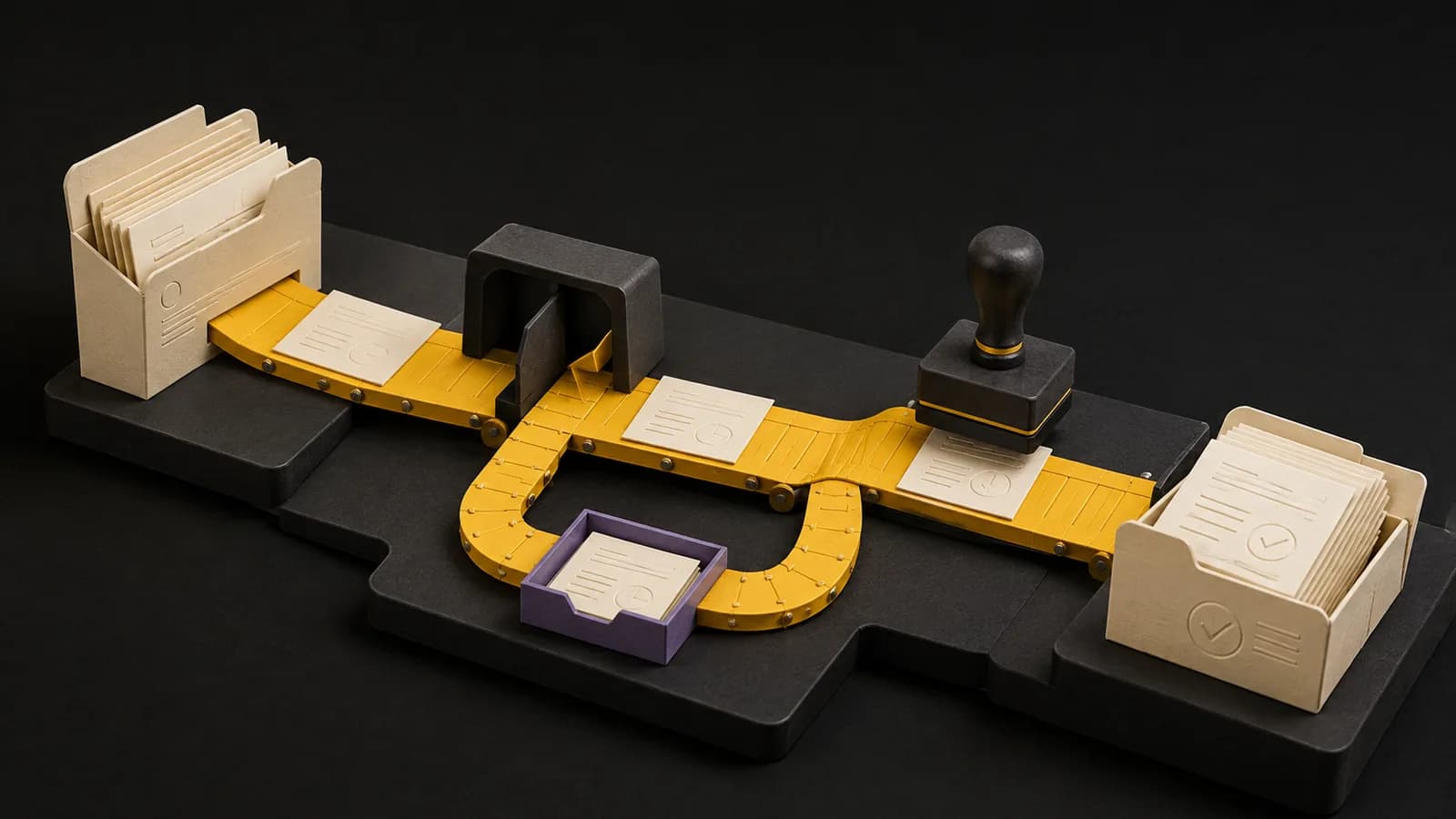
Write one sentence describing the accepted outcome and one describing what is outside the release. For this example, an approved CRM deal creates one delivery project and saves the project reference back to the deal. Invoice creation and resource scheduling are out of scope.
Name the process owner, receiving team, and person who can accept the build. Record the actual trigger separately from the business event: a record edit may happen many times after the deal was approved.
For a starting budget, compare this boundary with the scope descriptions in our automation cost guide. Those tier-based estimates cover listed builds. They aren't quotes for your requirements or observations of customer spending.
| Requirement | Example decision |
|---|---|
| Trigger | Approval status changes to Approved |
| Required inputs | Deal ID, account ID, approved scope, start date |
| Identity | Persist the deal ID on the destination project |
| Duplicate rule | Return the existing project for the same deal |
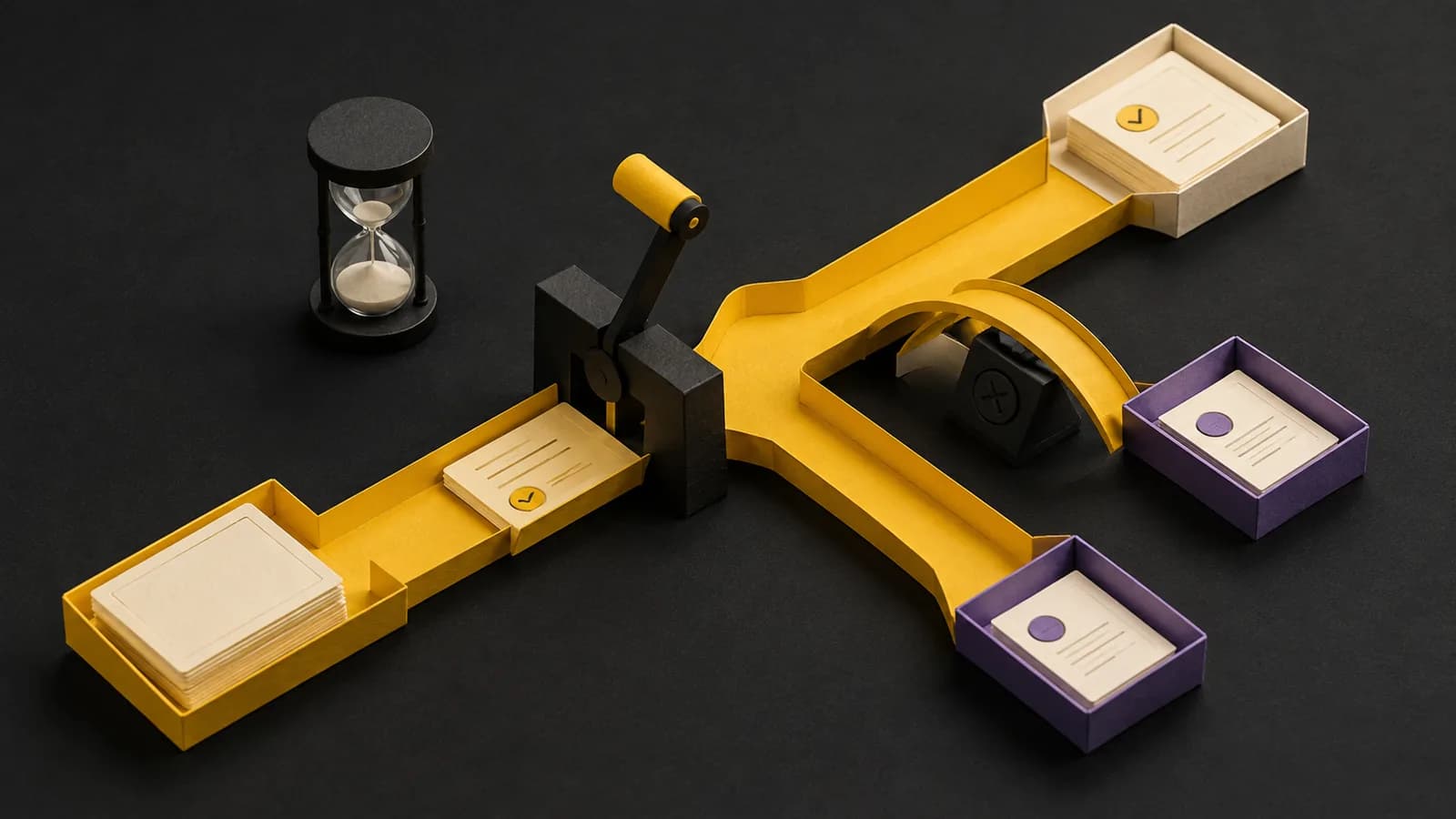
| Missing information | Create an assigned review item; do not create a project |
| Completion | Destination project exists and its ID is saved on the deal |
| Excluded | Invoices, staffing, contract amendments |
Write rules as decisions someone can test
Use conditions and outcomes, not adjectives. “Fast” becomes an agreed time budget measured from receipt to accepted completion. “Reliable” becomes a set of duplicate, timeout, recovery, and reconciliation cases.
Describe what happens when the destination is unavailable, a credential expires, or a project is created but the reply is lost. State whether an operator may replay an event and what they must check first. A retry limit is incomplete without a destination for exhausted attempts.
- Input fields include types, allowed values, and authoritative source.
- Missing, blank, and invalid values have separate decisions where needed.
- The event and business record have persistent identifiers.
- Each exception has an owner and a resolution route.
- Expected volume and timing come from observation or labeled assumptions.
Turn the brief into acceptance cases
Give each requirement at least one concrete example. A normal run should create one project. A duplicate run should find it. A missing start date should leave an exception that the delivery owner can see and resolve.
Have the owner write or approve expected outcomes before the build is demonstrated. Record actual results and evidence beside those expectations. “Demo passed” is too vague to use when a later change breaks the handoff.
| Case | Expected outcome |
|---|---|
| Approved D-104 with all inputs | One linked project |
| D-104 sent twice | Still one project |
| D-104 missing start date | No project; assigned review item |
| Write succeeds; reply times out | Lookup by deal ID before another write |
| Approval withdrawn before processing | No creation; record reason |
Use the brief in a review, then keep it current
Walk through it with someone who performs the process and someone who receives its output. Ask them to bring a recent exception. If the example doesn't fit the brief, fix the decision before adding another feature.
After acceptance, keep the brief beside the runbook. A change to required fields, approval policy, or identity rules is a behavior change and needs a new acceptance case. The download includes both the worked example and a blank copy; no email is required.
Free download · No email required
Automation requirements template and example
Complete the blank version with the process owner. The sample describes an illustrative deal-to-project handoff. Replace each example before using the document as approval to build.
Open the CSV in Excel, Google Sheets, or another spreadsheet tool. The Markdown brief is editable in a text editor.
Common questions
- Can a brief be short?
- Yes. A short brief with explicit decisions and acceptance examples is more useful than a long feature list. Add detail where a wrong assumption would change the build.