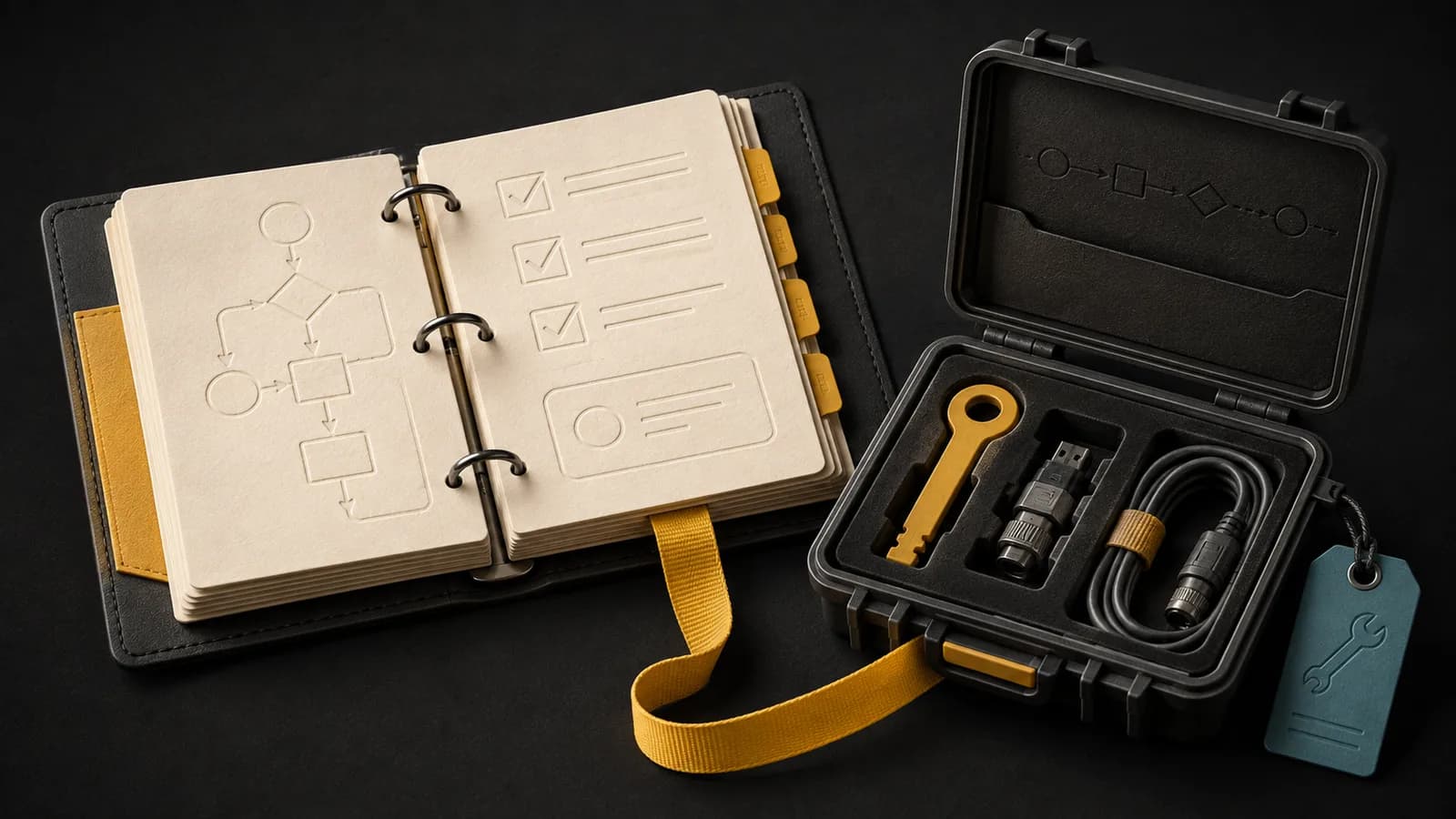
Who this is for: Teams preparing to operate business workflows in n8n Cloud or a self-hosted environment.
A workflow can work in the editor and still be difficult to operate. Production readiness means someone can account for missing events, inspect exceptions, and recover without duplicating downstream actions.
Use this guide to plan that operating work. It is a readiness checklist and learning path, not a version-tested server deployment recipe. Use the current official installation instructions for the environment you choose.
Decide who owns the runtime
Cloud hosting reduces the infrastructure work your team owns. Self-hosting adds responsibility for access, upgrades, storage, backups, and recovery. Choose it because those responsibilities fit your requirements and staffing.
Write down the runtime and node versions used in a test environment. Keep a record of external systems and credentials. Avoid an unreviewed upgrade path: changing software can change execution behavior even when the workflow canvas looks identical.
Make a workflow safe to repeat
Pick a persistent business identifier and, where available, an event identifier. A synthetic test can send the same approved deal twice and verify that exactly one destination project exists. Save the destination reference so recovery can inspect prior state.
Test a timeout after the destination write. That is different from a failure before any write occurred. Reconcile before replaying. Add missing input and expired-access cases, and check that exhausted retries leave an assigned exception.
| Case | Expected result | Evidence |
|---|---|---|
| Normal event D-104 | One linked output | Source and destination IDs |
| Same event twice | No duplicate output | Lookup and output count |
| Missing required field | Review item; no write | Assigned exception |
| Destination unavailable | Bounded retry then operator route | Attempt history |
| Reply lost after write | Reconcile existing output | Destination state checked |
| Trigger absent | Expected-input check catches gap | Eligible inputs vs outcomes |
Observe outcomes outside the execution log
An execution log helps explain runs that reached the engine. It cannot count a webhook the engine never received. Compare eligible source records with completed outputs and unresolved exceptions on a schedule that fits the business process.
Include a monitoring path that can report when the workflow engine itself is unavailable. Define who receives that signal, what delay matters, and where they can find the recovery procedure. A green process health check doesn't prove invoices reconciled.
Prove recovery before taking ownership
For self-hosted infrastructure, inventory the database, configuration, credential encryption material, and any binary data your workflow depends on. Determine how each is backed up and restored in your chosen environment.
Practice recovery in an isolated environment with outbound actions disabled. Verify that records, workflow definitions, and required credentials can be recovered before enabling a synthetic test. Record elapsed time, missing dependencies, and the final reconciliation. Don't test a restore by letting copied production triggers send real emails.
Keep the release decision tied to evidence: named operator, completed tests, usable alerts, and an exercised stop procedure. The downloadable starter pack contains test cases, not an importable n8n workflow.
Free download · No email required
n8n production readiness and test pack
A planning worksheet, not an importable workflow. Record the n8n version and environment under test. Use synthetic records and disable real outbound effects during recovery exercises.
Open the CSV in Excel, Google Sheets, or another spreadsheet tool. The Markdown brief is editable in a text editor.
Common questions
- Do we need queue mode immediately?
- Choose a scaling design from measured load, latency, and recovery requirements. A more complex runtime brings additional dependencies to operate. Consult the current n8n deployment documentation before changing the architecture.
- Is this an importable workflow pack?
- No. The download is a test worksheet with synthetic cases. It is designed to validate your own workflow and does not contain deployment configuration or credentials.